Google Business Profile Optimisation: How to Rank in the Map Pack

Vishal Arora
Founder, The Marketing Mavericks™ | October 2026 | 6 min read
Google Business Profile optimisation means giving Google complete, accurate and active information so it can match you to nearby searches. Google ranks local results on relevance, distance and prominence. You cannot move closer to a searcher, but you can build relevance and prominence. The steps below show how.
On this page
What Google Business Profile Optimisation Means
Your Google Business Profile is the listing shown in Google Maps and the local map pack, the map with a short list of businesses that appears for searches like "dentist near me". GBP optimisation means filling every relevant field, keeping it accurate and showing Google that real customers choose you. For clinics, salons, gyms, restaurants, law firms and home services, it is often the most direct route to calls and visits.
How Google Ranks Local Results
Google states that local results are based mainly on relevance, distance and prominence, and that you cannot pay for a better local ranking. Read the official explanation on Google's help page on local ranking.
| Factor | What Google looks at | What you can control |
|---|---|---|
| Relevance | How well your profile matches the search | Categories, services, products, description and website content |
| Distance | How far you are from the searcher or searched place | An accurate address or service area |
| Prominence | How well known and trusted you are | Reviews, photos, citations and local mentions |
Step-by-Step GBP Optimisation
Work through these in order.
1. Choose the Right Primary and Secondary Categories
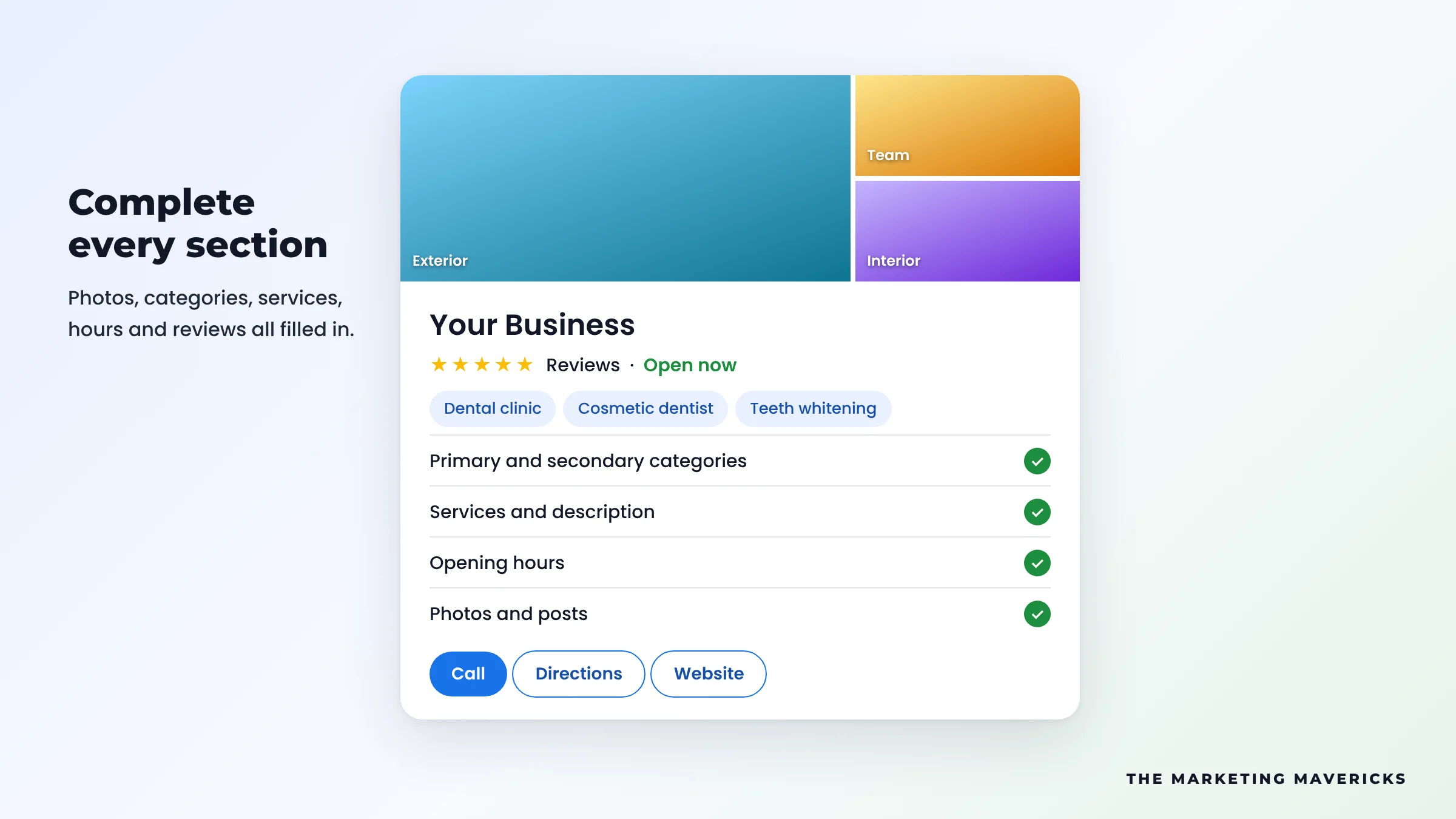
Your primary category is the strongest relevance signal on the profile. Pick the most specific one that describes your core business. Add secondary categories only for other services you genuinely offer.
2. Use Your Real Business Name
Your name must match your signage and paperwork. Adding keywords or locations, such as "Bright Smile Best Dentist London", breaks Google's guidelines and can get the profile suspended.
3. Write a Clear Description
You have up to 750 characters. Say what you do, who you serve and where, in natural sentences, then what makes you different. Skip links and keyword lists.
4. Add Services and Products
List each service with a short description, or add a menu or products with photos. This helps Google match specific searches like "teeth whitening" or "boiler repair".
5. Keep Hours and Special Hours Accurate
Set regular hours and add special hours before holidays and festivals. Customers who arrive at a locked door leave poor reviews.
6. Upload Real Photos and Videos
Add your logo, cover photo, exterior, interior, team and work, and keep adding new ones. Short videos of a service in action work well. Avoid stock images.
7. Publish Posts Regularly
Share updates, offers and events as posts. One every week or two, with a real photo and a clear button, shows the business is active.
8. Prepare for Questions, Now Answered by AI
Google has been replacing the public Questions and answers section with AI answers built from your profile, reviews and website. So cover common questions, such as parking, booking and accessibility, in your description, services and website FAQ. This is the thinking behind answer engine optimisation.
9. Earn Reviews and Reply to Every One
Share the review link or QR code from your profile with every customer soon after the visit. Never offer incentives or ask only happy customers, as both break Google's policies.
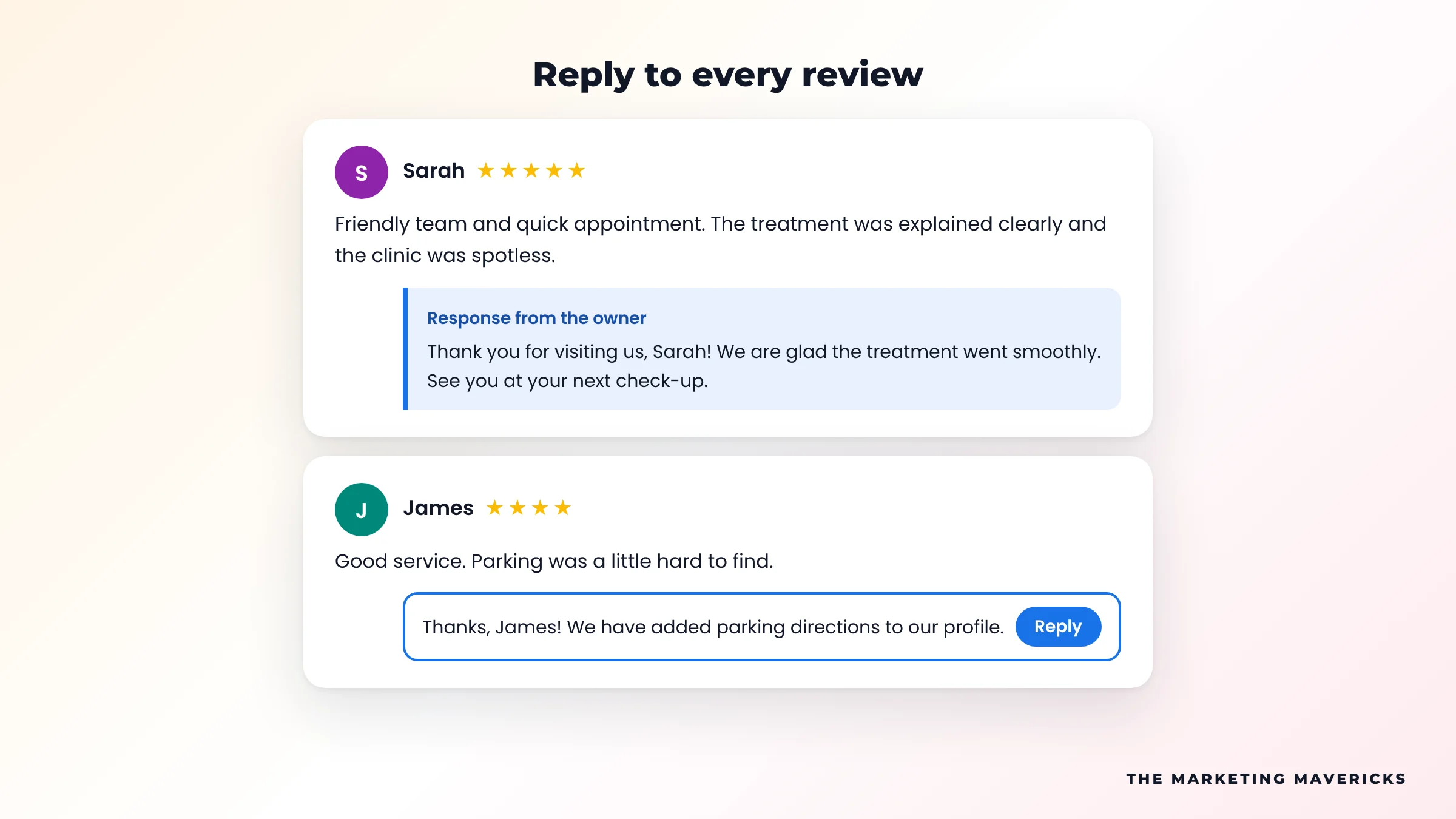
Reply to every review within a few days. Thank positive reviewers and mention the service they used. For negative ones, stay calm, acknowledge the issue and offer to resolve it offline.
10. Keep NAP Consistent and Build Citations
NAP means name, address and phone number. Keep it identical on your profile, website and directories such as Bing Places, Apple Business Connect and industry listings. Fix old mismatched listings before adding new ones.
11. Link to a Matching Local Landing Page
Point the website link to the page that best matches the profile. A multi-location business should link each profile to its own location page with the same NAP, hours, a map and LocalBusiness schema. That page can also rank in normal results, which is where SEO and the map pack support each other.
12. Add UTM Tracking to the Website Link
Add UTM parameters so profile visits show separately in GA4, keeping the medium as organic:
https://www.example.com/your-location-page/?utm_source=google&utm_medium=organic&utm_campaign=gbp-listingCommon GBP Mistakes and How to Fix Them
| Mistake | Why it hurts | Fix |
|---|---|---|
| Keywords in the business name | Breaks guidelines and risks suspension | Use your real-world name only |
| Home address shown for a service-area business | Breaks guidelines if customers do not visit you | Hide the address and set your service areas |
| Different phone numbers across directories | Confuses Google and customers | Audit citations and match NAP everywhere |
| Every location linked to the homepage | Weak local relevance | Link each profile to its own location page |
| Duplicate profiles for one location | Splits reviews and can trigger suspension | Report the duplicate and keep one verified profile |
How to Track Your Results
Open your profile and go to Performance. Review these monthly, comparing like-for-like periods:
- Calls. Taps on the call button.
- Direction requests. People planning a visit.
- Website clicks. Check their quality in GA4 using your UTM campaign.
- Searches. The terms that showed your profile.
Where the map pack moves slowly, Google Ads with location assets can place you on Maps while the organic work builds.
Is Your Profile Optimised?
Run this one-minute check on your profile.
Tick what is true for your profile today
Tick each statement that is true today to see where you stand.
Frequently Asked Questions
How long does Google Business Profile optimisation take to work?
Category and service fixes can show within weeks. Gains from reviews, citations and local pages build over months, depending on competition.
Can I rank in Google Maps without a shop front?
Yes. Service-area businesses can hide their address and set the areas they serve. You still need a real address to verify the profile.
Can I pay Google to rank higher in the local map pack?
No. Google says you cannot pay for a better local ranking. Ads on Maps are separate and labelled as sponsored.
Do keywords in reviews help my ranking?
Reviews that naturally describe the service give Google more context. Never ask customers to use set words.
How often should I update my Google Business Profile?
Check details monthly, post every week or two, add photos regularly and reply to reviews as they arrive.
Want Your Business in the Map Pack?
The Marketing Mavericks optimises Google Business Profiles and local pages for businesses worldwide, so more local searchers call, visit and book.
Talk To Our Team →